Guide
How to film your lifts with your phone.
Ask five lifters where to put the phone for a form check and you get five answers. Here is the setup that works for a coach, a form-check thread, and the camera in Loopform AI. It takes five seconds and needs nothing you don't already own.
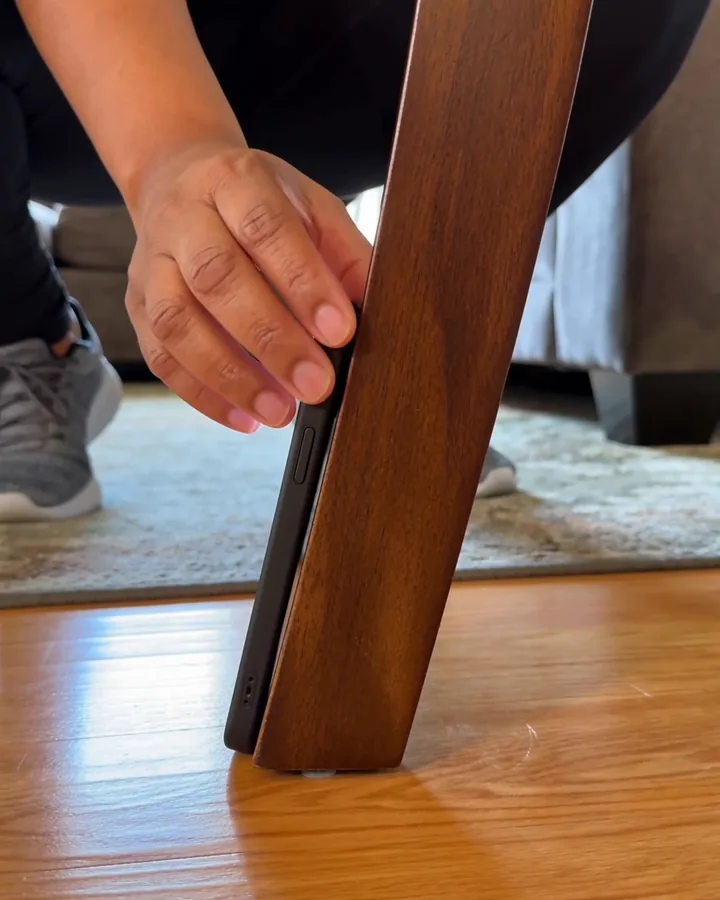
The six rules
Knee height
Prop the phone upright, screen facing you, at about knee height. Not on the floor, which stretches your legs and hides your hips, and not on a bench, which flattens your depth.
Face the right way
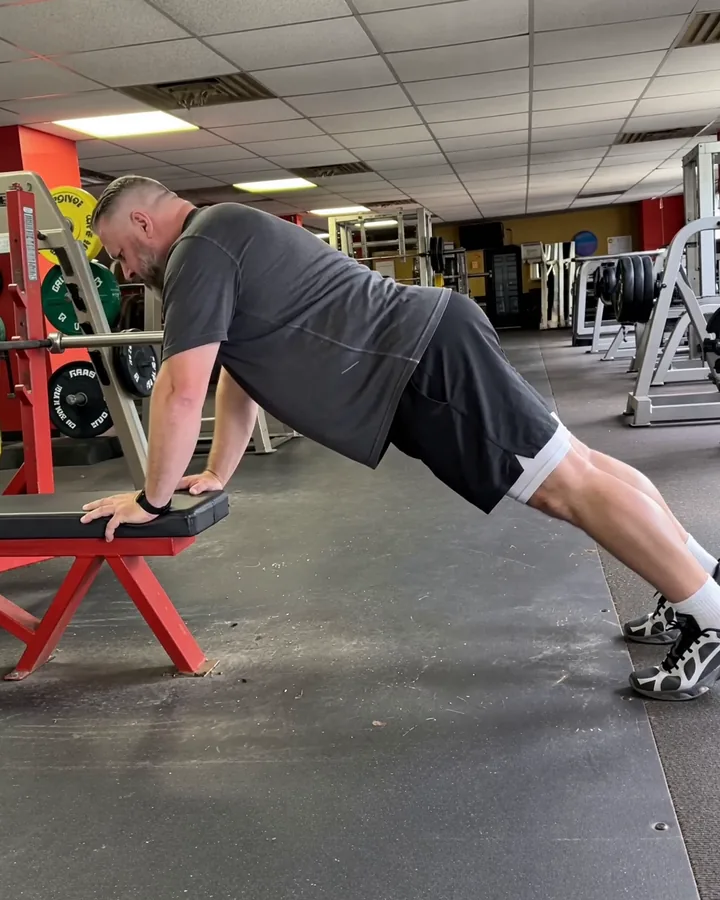
Squats: face the camera, so it can see both knees and whether they drift in. Push-ups, planks, lunges, hinges and presses: side-on, so it can see depth and the line of your body. The table below has each one.
Two to three metres back
Six to ten feet. Close enough to read the joints, far enough that you stay in frame at the top and the bottom.
Whole body in frame
Head and feet both visible, with a little room above and below. If you have to choose, be too far rather than too close.
Light in front of you
Face the window or the light. A window behind you turns you into a silhouette and no coach, human or camera, can see a knee through that.
Film the last working set
Form breaks when you are tired. The warm-up tells nobody anything; the last set tells the whole story.
Where the phone goes, movement by movement
These are the exact setups the coach in Loopform AI asks for, and they work just as well for a video you send to a human.
| Movement | Phone | You |
|---|---|---|
| Squat, goblet squat, box squat | Knee height, 6 to 8 feet back | Facing the camera, feet in frame |
| Push-up, plank | On the floor, propped up a little, 6 to 8 feet away | Side-on, head to feet in frame |
| Lunge, step-up | Knee height, 6 to 8 feet back | Side-on, with room to step |
| Hinge, deadlift, Romanian deadlift | Hip height, 6 to 8 feet back | Side-on, head to feet in frame |
| Overhead press | Chest height, 8 to 10 feet back | Side-on, with room above your head |
What it looks like when it is right
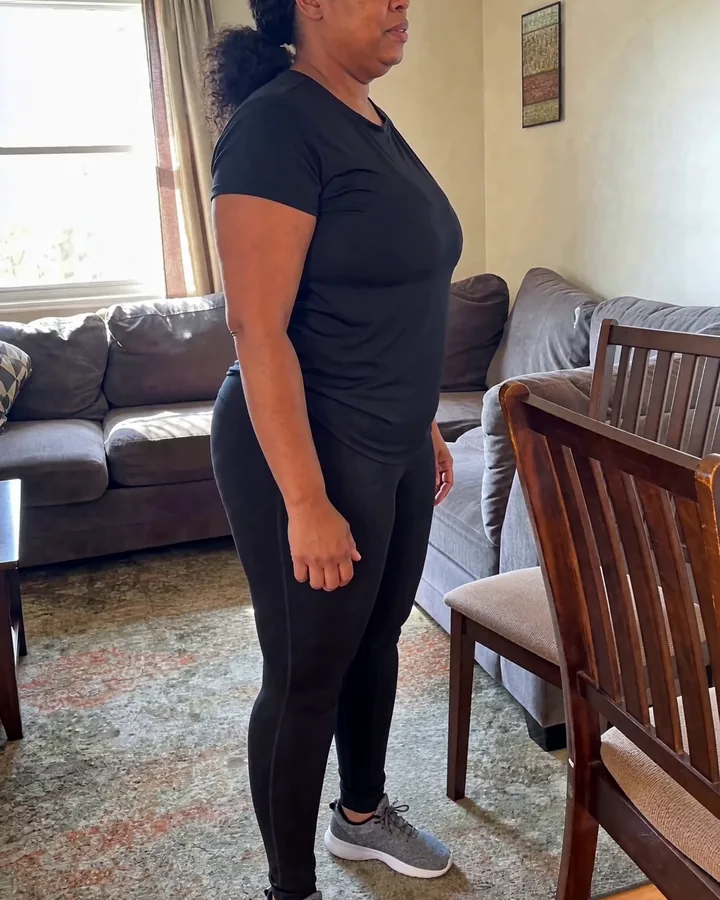
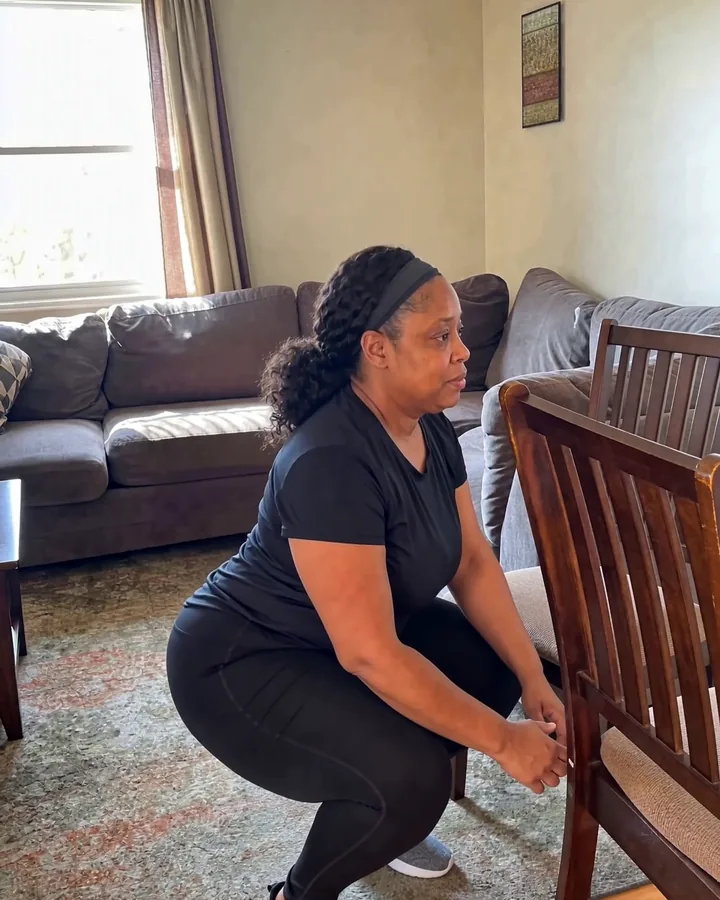
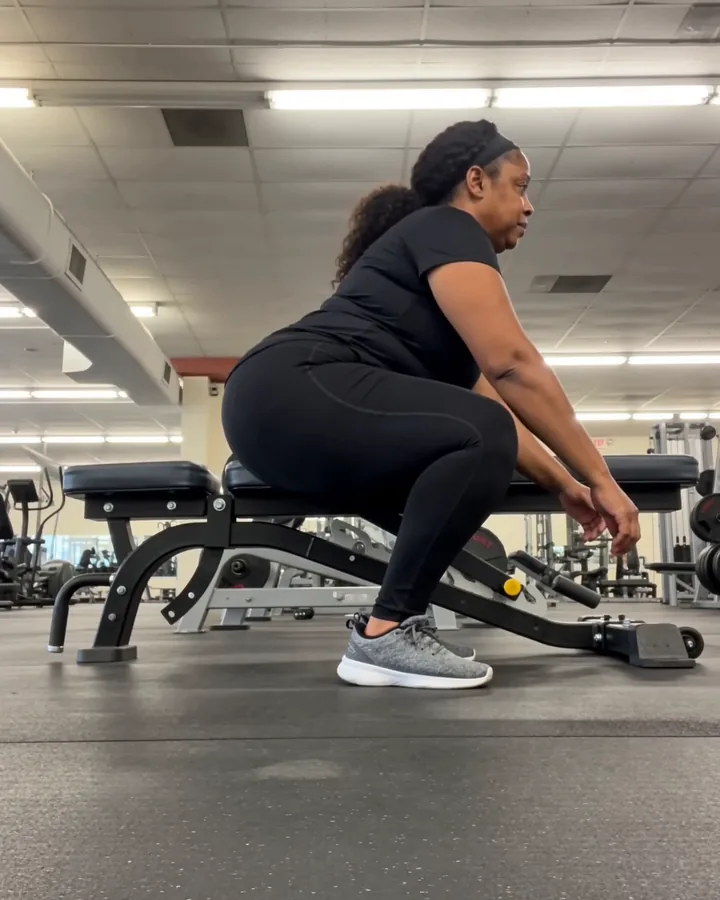
Small things that matter
- Portrait, not landscape. A standing body is tall. Portrait fits it with room to spare and is what every phone coach app expects.
- Lean it, don't hold it. A friend's hands drift. A chair leg doesn't.
- Mirrors. Point the camera away from a mirror wall if you can; two of you confuse a camera coach and a form-check thread alike.
- Barbell lifts. On a deadlift, stand so the bar is on the far side of you from the camera, so the plates don't hide your hips. On a barbell squat, facing the camera, the bar is behind your head and out of the way.
- A quick check. Before the set, glance at the screen: can you see your head and your feet? Then forget the phone exists.
Why this is the setup Loopform AI asks for
The app watches you through the phone camera, counts your reps and says what it sees out loud while you lift. It reads the same things a coach reads from the side: how deep you go, whether your knees drift in, whether your back holds its line. So the coach's first instruction is the same as this guide's: prop your phone up, a couple of metres back, and face it the way the movement needs. The coach tells you, out loud, when you are in frame. For what it watches on each movement, see the form-check guide; for how a rep is counted and what makes a camera miss, see Can an app count my reps?
Video never leaves your phone unless you choose to share a clip. Rep counting and form cues are free, with or without a subscription.
Android arrives in January.